 Pastely
Everything you copy, one keystroke away.
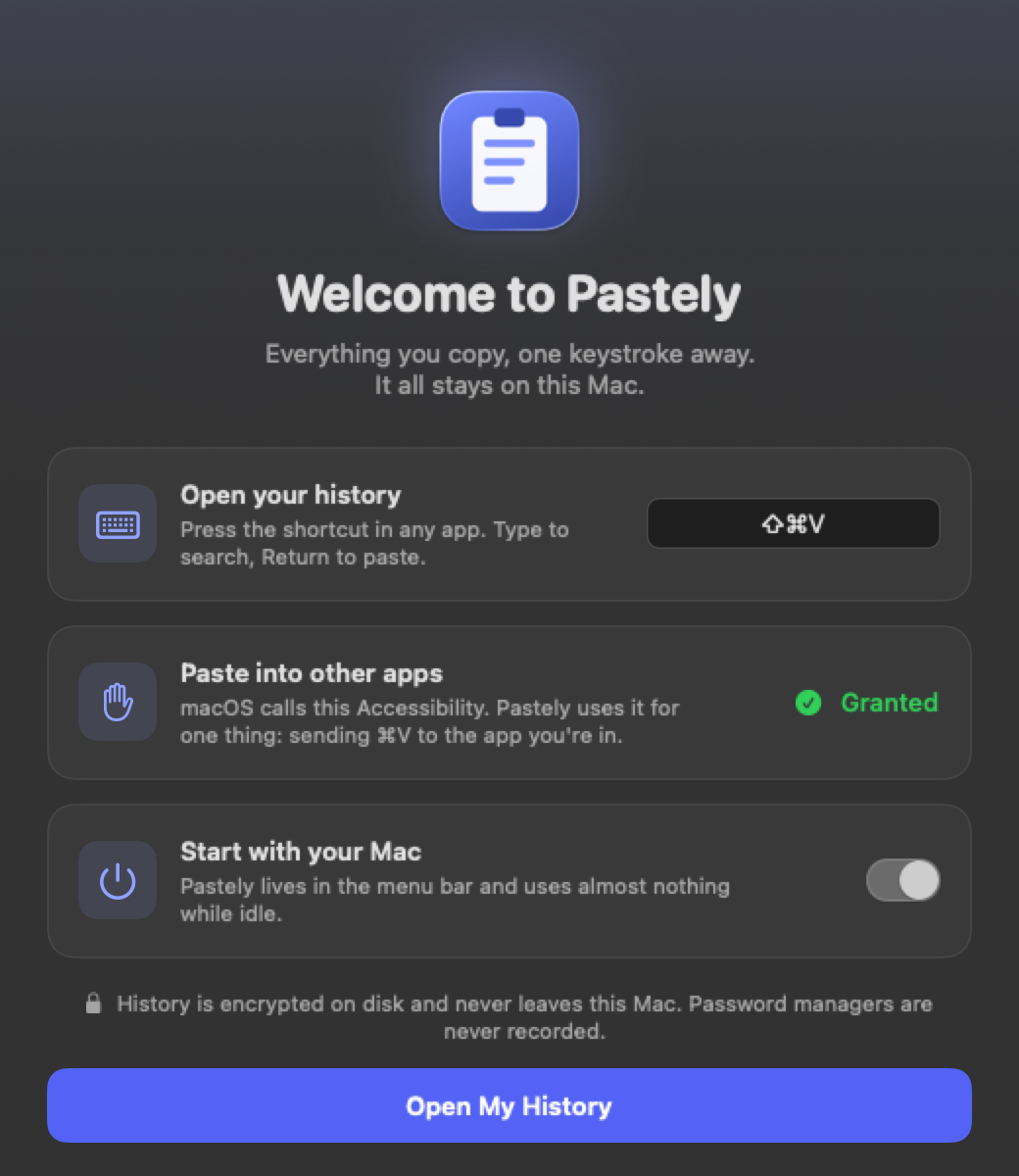
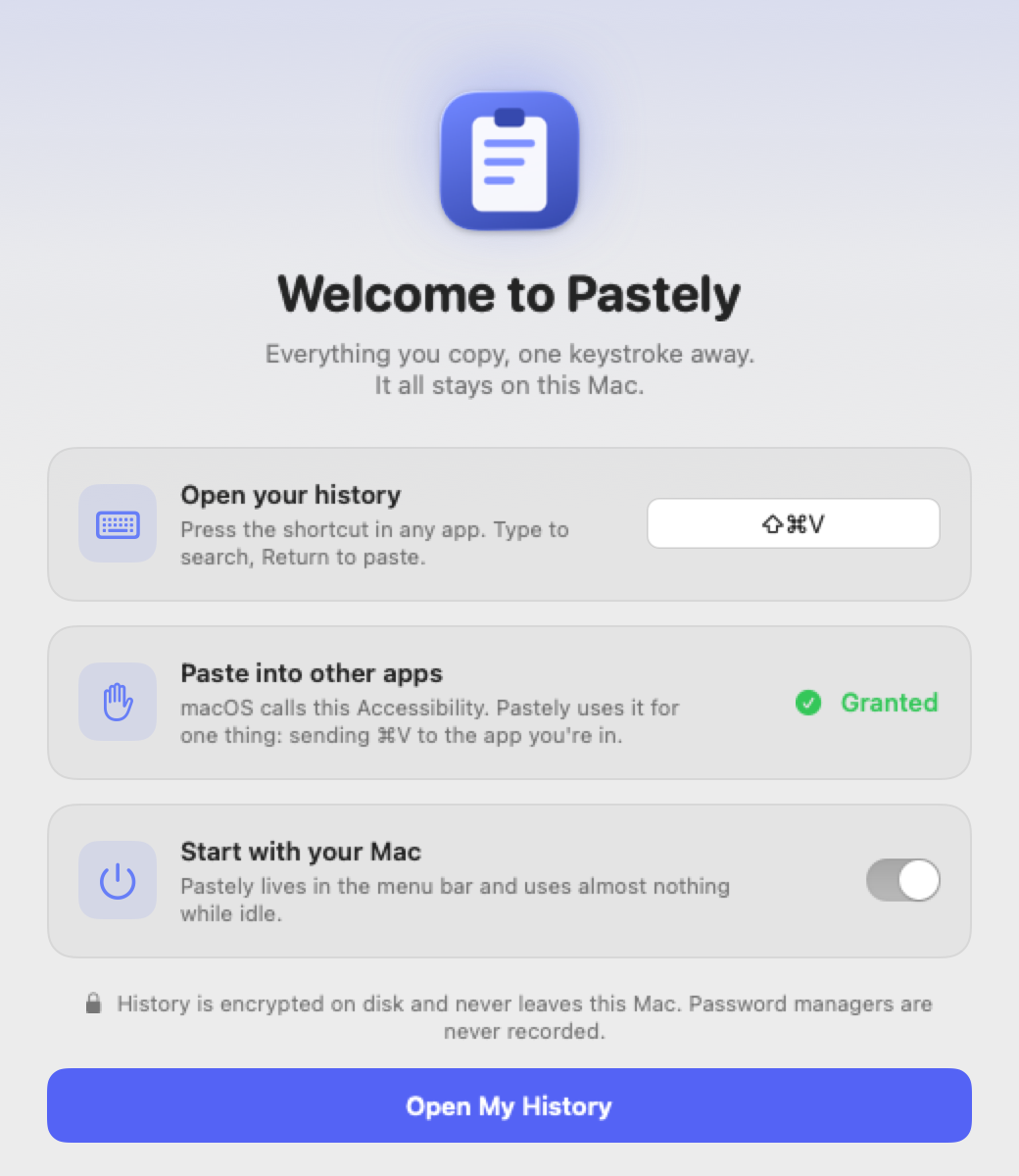
Pastely keeps your clipboard history on your Mac. Press ⇧⌘V in any app, type a few letters, hit Return. Text, images and files, nothing leaves the machine.
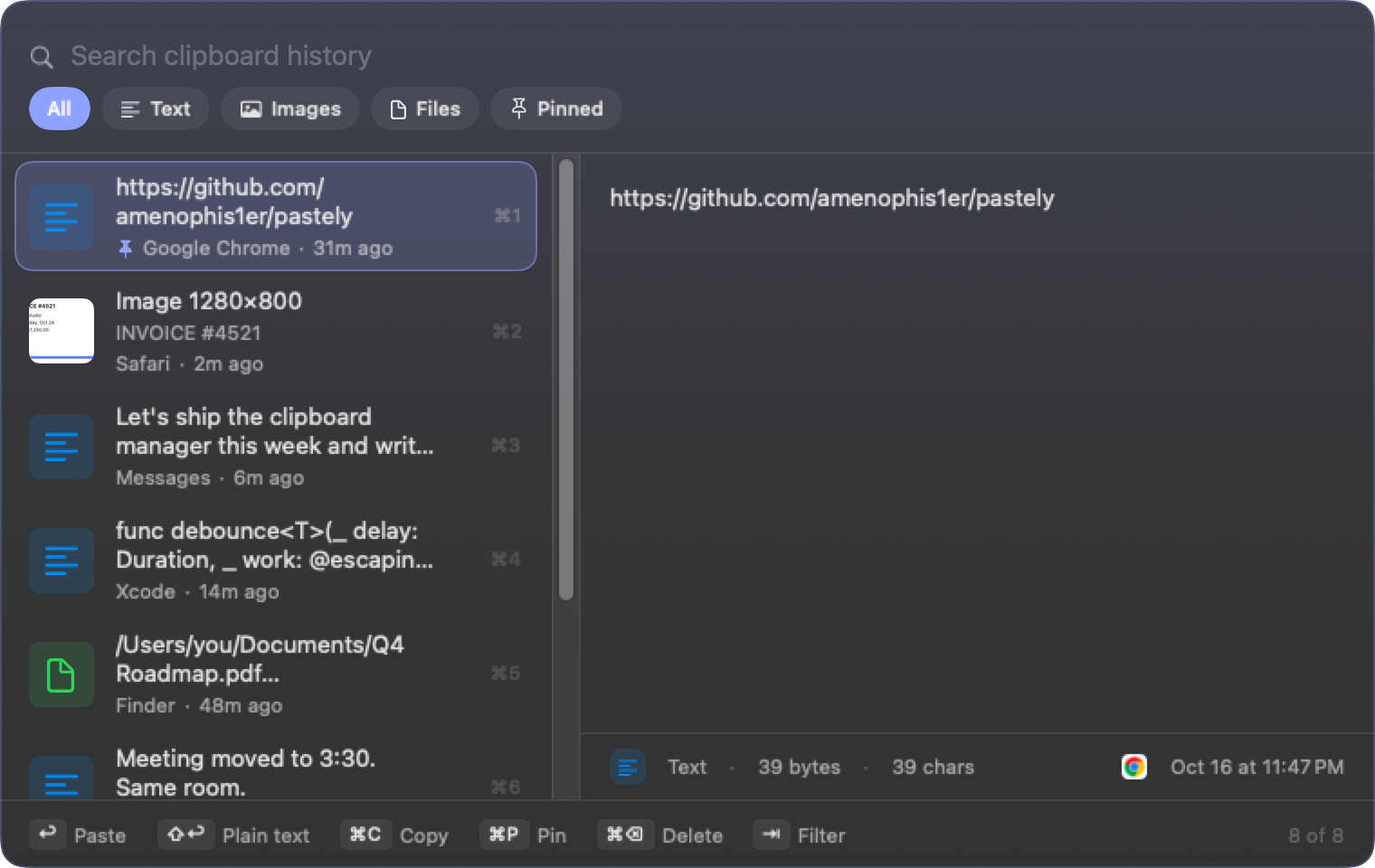
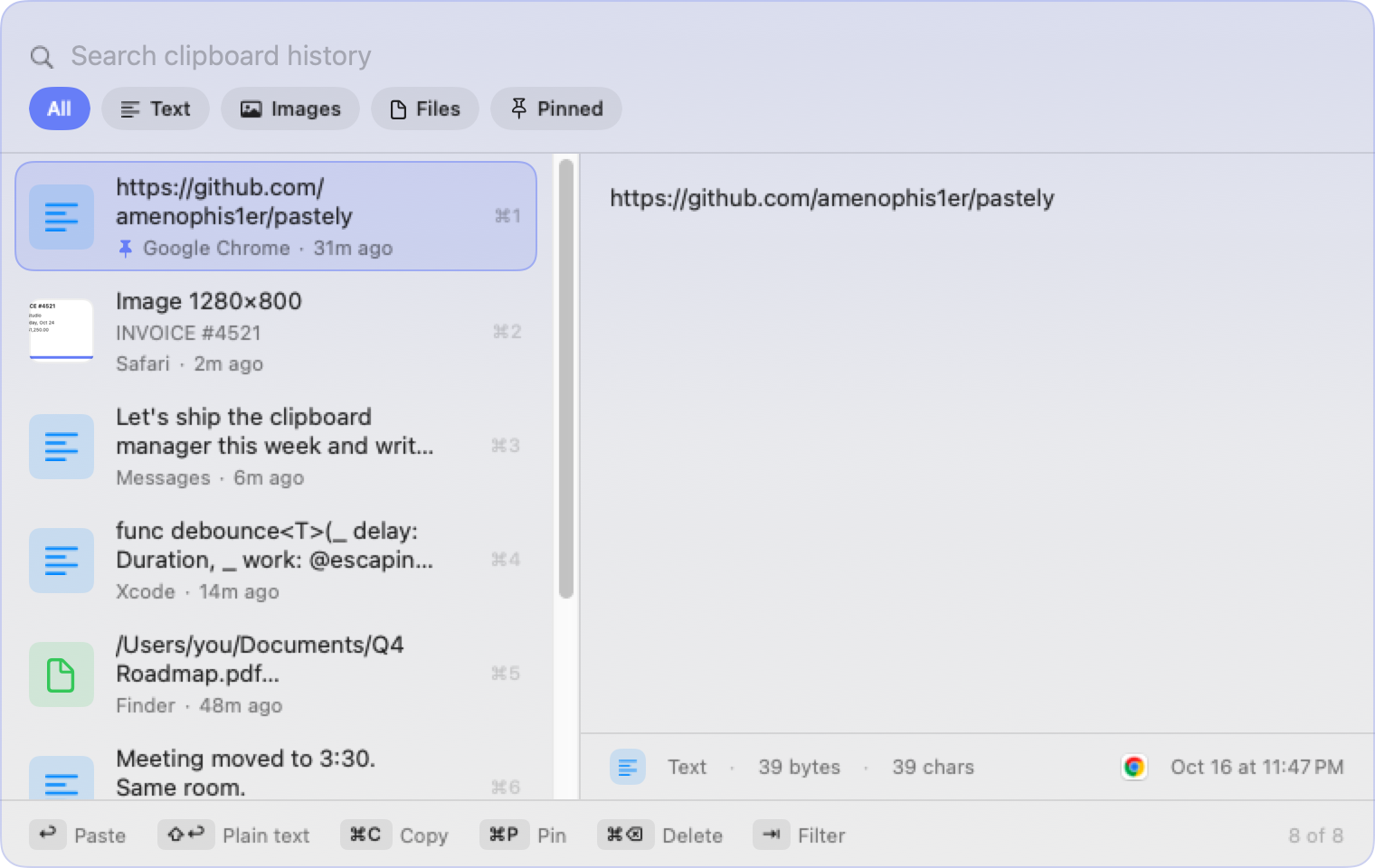
Find it by typing
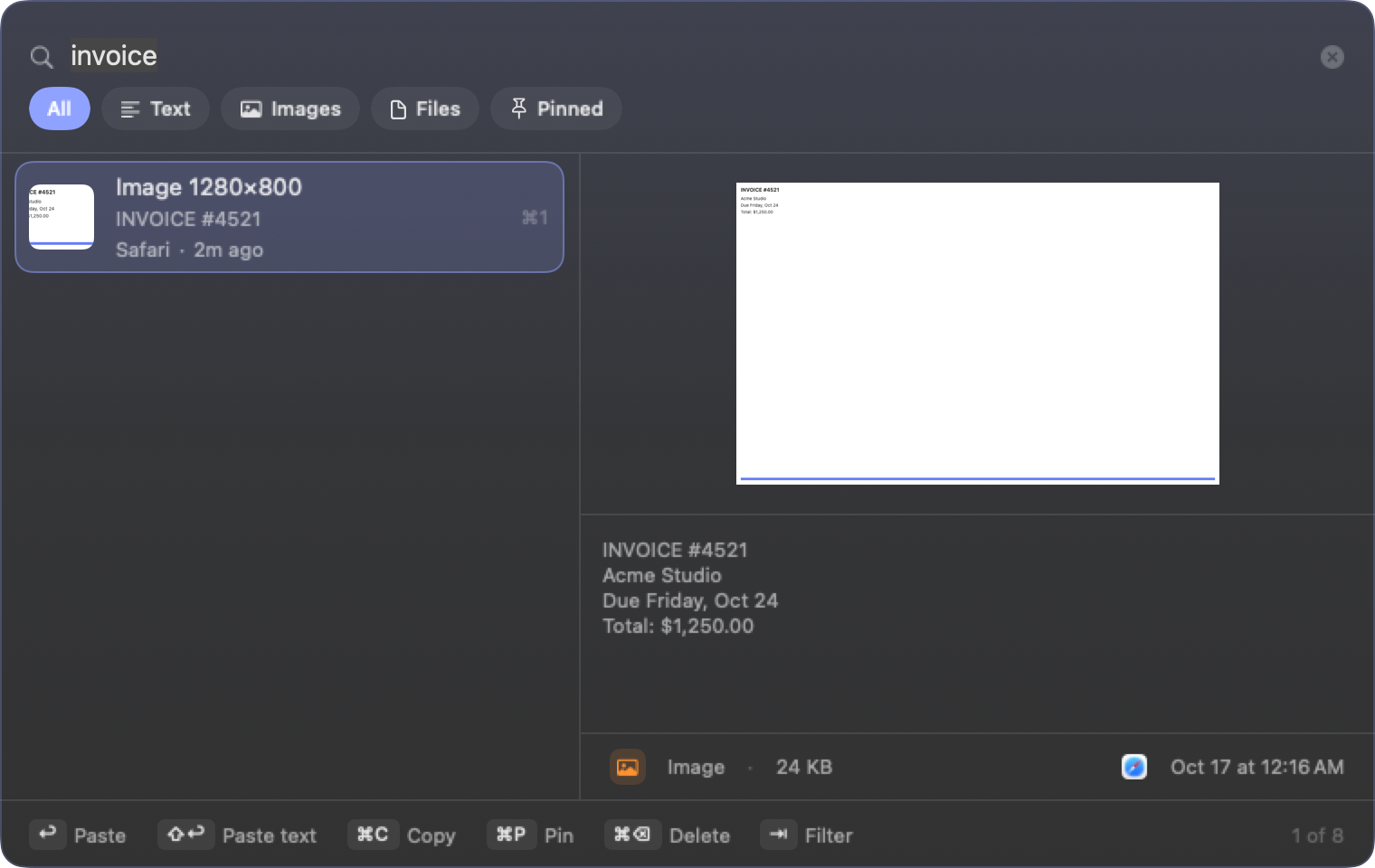
Fuzzy search over everything you copied, including the words inside screenshots. On-device text recognition makes images searchable within a second of copying them.
Opens where you type
The panel appears next to your cursor, not in the middle of the screen. Pick an item and it pastes straight into the app you were in.
Private by design
History is encrypted on disk with a key in your keychain. Password managers are never recorded. The app has no network code except for checking updates.
Screenshots become text.
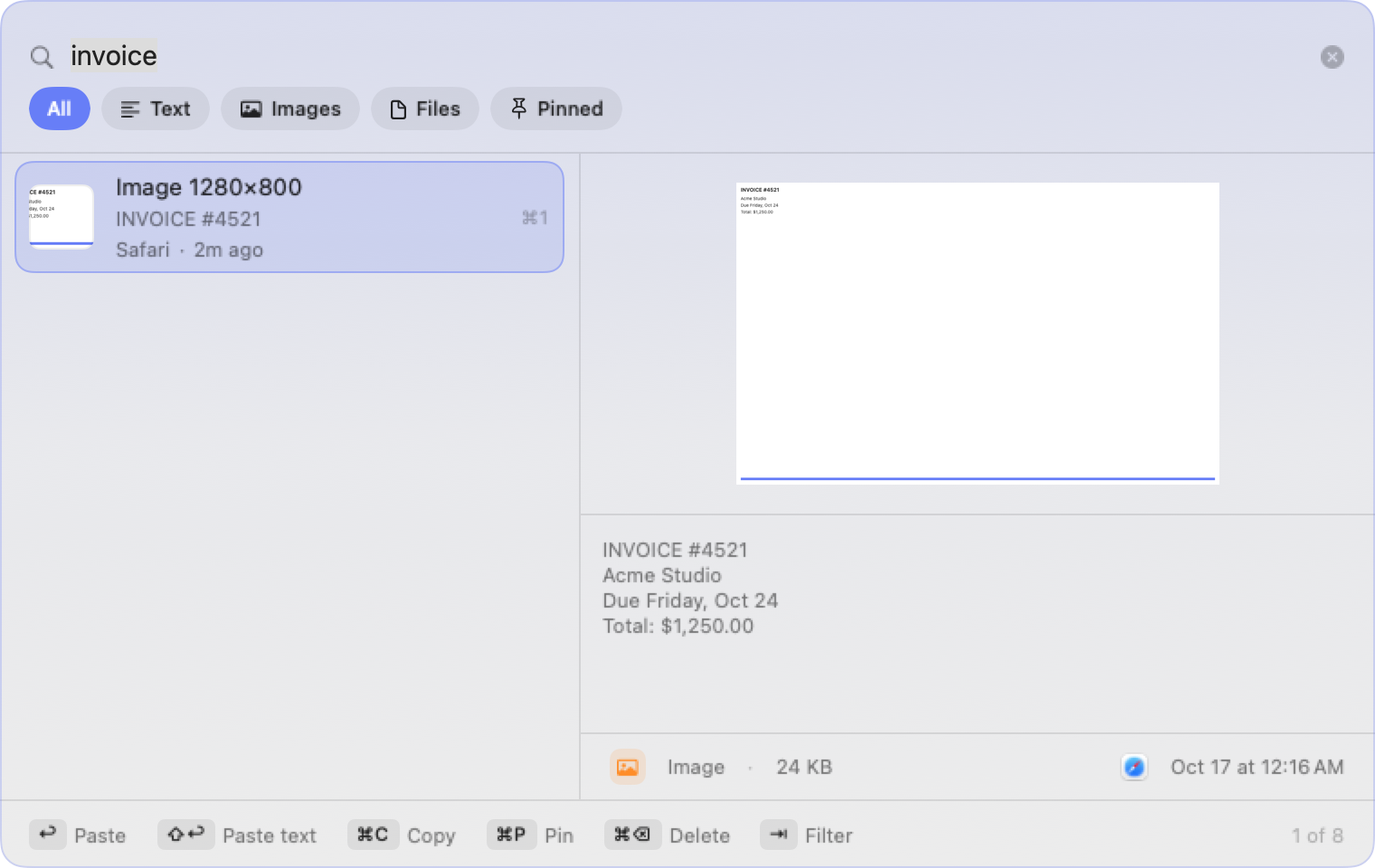
Copy a screenshot of an invoice, a terminal, an error dialog. Pastely reads the text in it using Apple's Vision framework and keeps it with the image, so a search for "invoice" finds the picture. Paste the recognized text with Shift+Return.
- Text, rich text, images and file references
- Filters for text, images, files and pinned items
- Pins keep an item through cleanup
Your clipboard is yours.
A clipboard manager sees everything you copy. Pastely treats that as a responsibility rather than a feature.
- Every payload, preview and thumbnail is encrypted with AES-GCM. The key never leaves your login keychain.
- Copies flagged as concealed by password managers are skipped. Add any app to the ignore list.
- No analytics, no accounts, no sync. The source is on GitHub, so you can check.
- History expires on your terms: by count, by age, or with one click.
Hands stay on the keys.
Every action has a shortcut, and the panel shows them in its footer until they become muscle memory.